One system of record, from sales counter to warehouse floor.
SquidPOS unifies point of sale, inventory and warehouse management, so every sale updates your stock and every reorder starts from current numbers.
Overview
Disconnected systems cost real money.
When sales, stock and storage live in different places, the gaps show up as stockouts, overstocking and errors. SquidPOS closes those gaps by connecting them, so every sale updates what you know about your stock.
Your team sells faster, your counts stay accurate and your buying decisions come from real numbers instead of estimates.
The difference
Same business. Better numbers.
Disconnected
- Sales, stock and storage tracked in different places
- Stockouts and overstocking found too late
- Errors between the counter and the warehouse
- Buying decisions based on estimates
Connected with SquidPOS
- One connected record, from counter to warehouse
- Low stock visible as you sell
- Counts that stay accurate
- Buying decisions based on real numbers
Capabilities
Retail operations on a single connected platform.
Point of sale
Process sales quickly and keep the line moving at the counter.
Inventory management
Track stock levels as you sell, so low stock is visible before it becomes a stockout.
Warehouse management
Know what's in your warehouse and exactly where it is.
Stock control
Follow how stock moves through the business, and reduce losses along the way.
Sales and stock reports
Identify best sellers and slow movers, then plan your next order from the data.
One connected record
Counter, shelf and warehouse all work from the same stock figures.
How it works
Every transaction feeds the next decision.
Activity at the counter and in the warehouse flows into one record of your stock, which then drives your reports and reorders.
Activity
- Sales counterEvery sale is recorded
- Warehouse floorGoods coming in and going out
SquidPOS
- InventoryStock levels updated as you sell
- Stock controlA view of how goods move
Decisions
- ReportsBest sellers and slow movers
- Reorder planningWhat to buy, and when
- 1
Load your catalog
Add your products and current stock to SquidPOS.
- 2
Sell and track
Stock updates as you make sales and move goods.
- 3
Review and reorder
Use your reports to decide what to buy and when.
Who it's for
Built for businesses that move stock.
Retail shops
Serve customers faster and stop guessing what's on the shelf.
Wholesalers and distributors
Keep control of larger volumes as goods come in and go out.
Warehouse managers
Get a clear, current view of what you're holding.
Solution areas
Across your retail operation.

The sales counter
Process sales fast and keep the line moving.
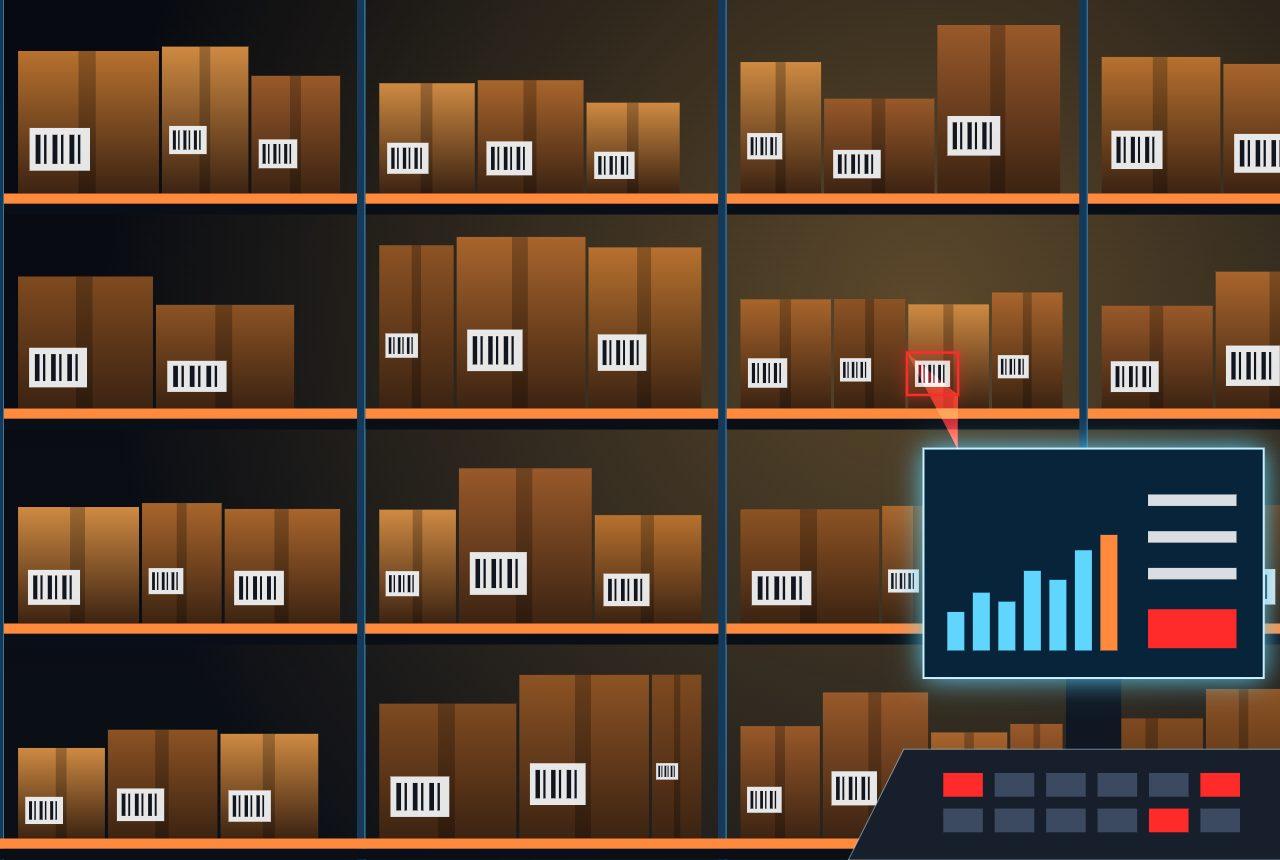
The warehouse
Know what you're holding and where it is.

Buying decisions
Plan your next order from real numbers.
Why SquidPOS.
One record of stock
- Counter and warehouse share the same figures
- Every sale updates your stock
Fewer costly surprises
- Low stock visible before it runs out
- A clearer view of how goods move
Better buying
- Best sellers and slow movers in your reports
- Reorders based on current numbers
At a glance
SquidPOS profile.
- Category
- Retail and stock management
- Built for
- Retail shops, wholesalers, distributors and warehouse managers
- Includes
- Point of sale, inventory, warehouse and stock control
- Reporting
- Sales and stock reports, best sellers and slow movers
- Get started
- Request a demo for your store or warehouse