
One control point for every school computer.
Monitor, manage and support your school's computers from a single console, so every lab session stays safe, focused and on task.
Overview
Digital classrooms need visibility and control.
A connected computer opens up a world of learning, and just as many distractions. SchoolGuardian gives teachers a live view of student screens, with the tools to guide the whole class from one device and step in the moment someone needs help or drifts off task.
IT administrators get one place to look after the school's computers, room by room, instead of walking from machine to machine.
See it in action
Four actions, one console.
Teachers and administrators work from one console. SchoolGuardian carries their view and their actions to the computers in each room.
Capabilities
Classroom control and device management, together.
Live classroom monitoring
See activity on every student computer at a glance, from one screen.
Remote assistance
Take control of a student's computer to resolve a problem without leaving your desk.
Screen lock
Lock student screens with one action to bring attention back to the lesson.
Screen broadcast
Share your screen to every computer in the room and demonstrate step by step.
Central device management
Organize and administer the school's computers from one console, by lab or classroom.
Policy-led by design
Made for school-managed computers, so oversight follows the rules your school sets.
Getting started
Three steps to a managed lab.
- 1
Install
Deploy SchoolGuardian on your school's computers.
- 2
Organize
Group computers by lab or classroom so every teacher sees the right devices.
- 3
Teach
Monitor, guide and support the class from a single screen.
Who it's for
For everyone who keeps a school running.
Teachers
Keep the class on task and help students the moment they need it.
School leaders
Get more from your investment in computers and digital learning.
IT administrators
Manage every school computer from one place and save hours of legwork.
Solution areas
Where it works in a school.
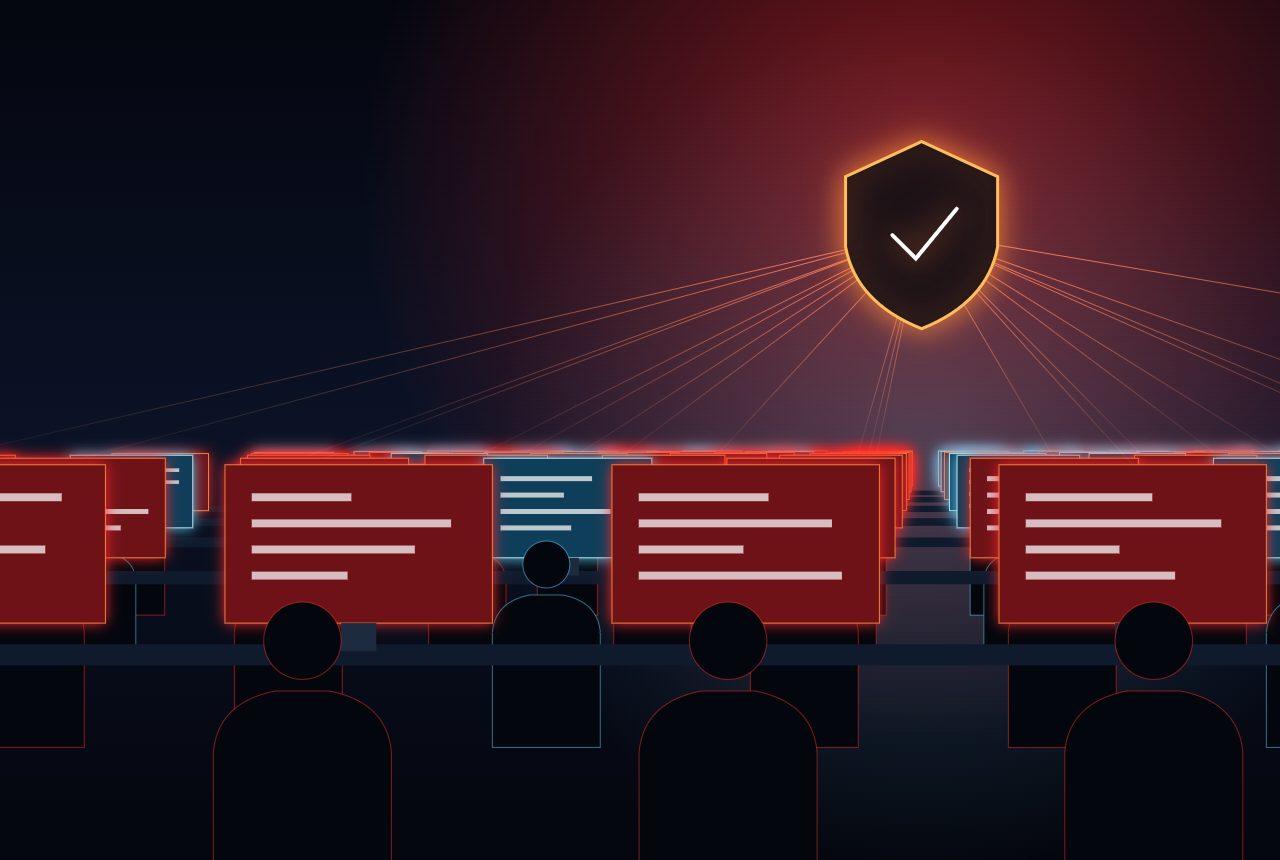
Computer labs
See and guide a full room from one screen.
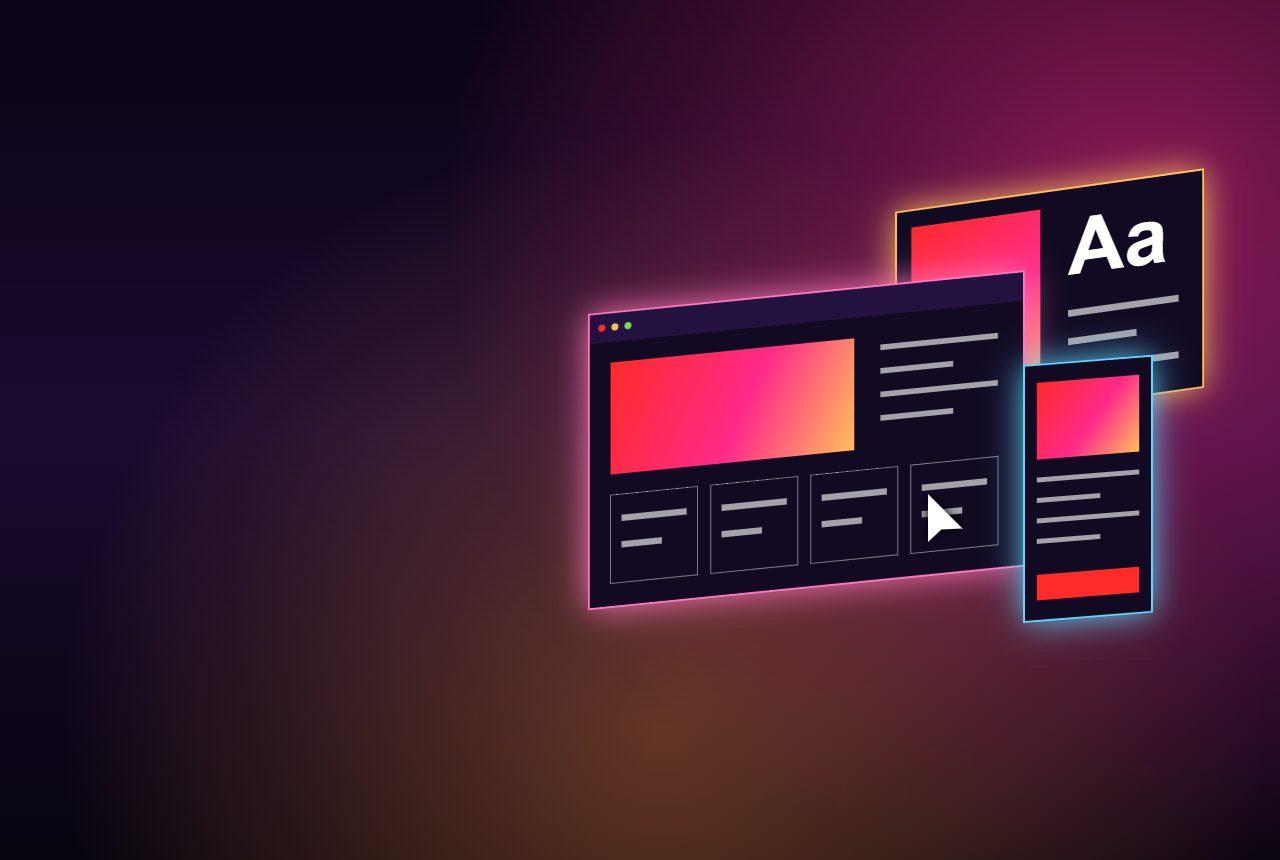
Lesson delivery
Broadcast your screen and teach step by step.
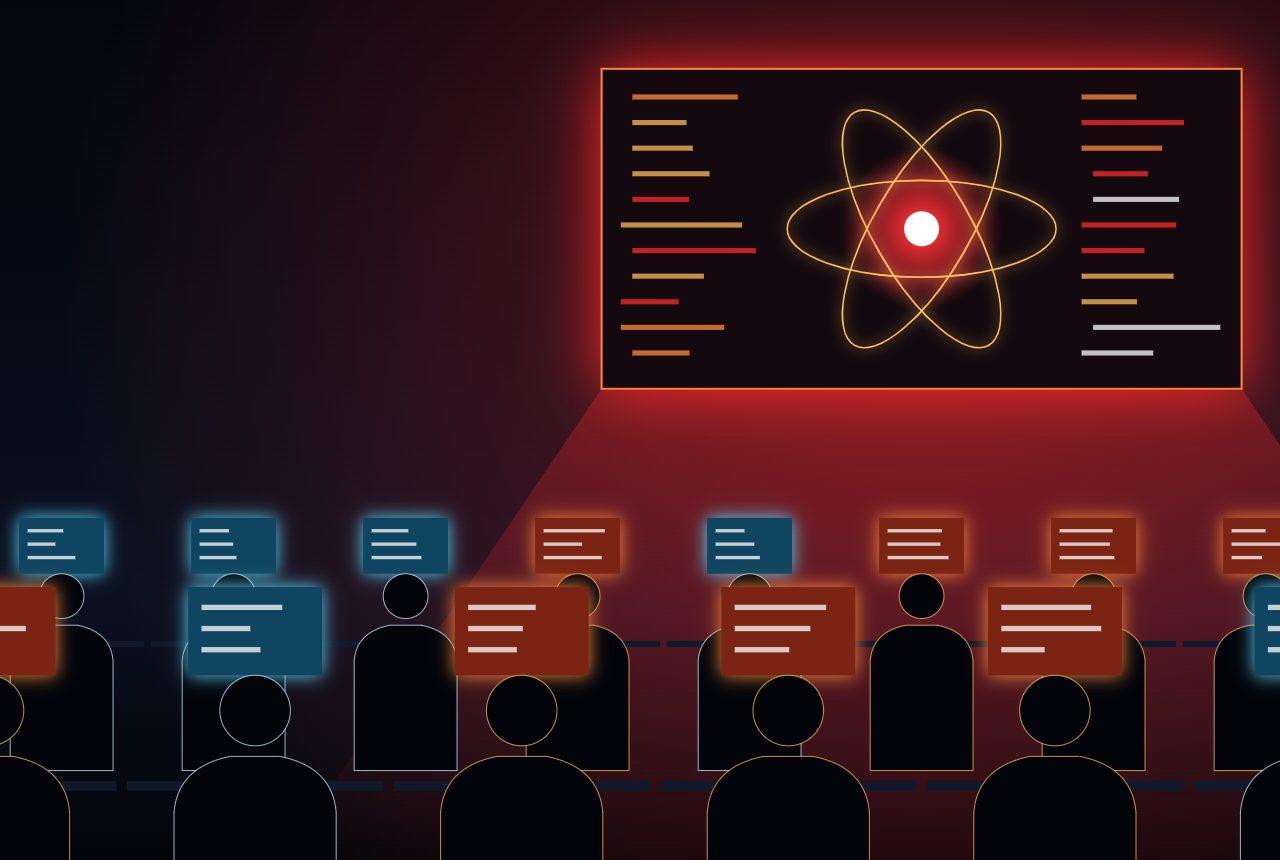
School IT
Look after computers without room-to-room visits.
Why SchoolGuardian.
Teachers stay in control
- A live view of every student screen
- Attention back on the lesson in one action
Help arrives faster
- Remote assistance from the teacher's desk
- Fewer lessons stopped by one problem
IT gets its time back
- One console for the school's computers
- Devices organized by lab or classroom
At a glance
SchoolGuardian profile.
- Category
- Classroom and device management
- Built for
- Teachers, school leaders and IT administrators
- Classroom tools
- Live monitoring, screen lock, broadcast and remote assistance
- Administration
- Central management of computers, by lab or classroom
- Get started
- Request a demo for your school
Frequently asked questions

See SchoolGuardian in your classroom.
Tell us about your school and we'll show you how it works.